Visuals for whatever you're playing
DemoForge
An ANTINODE original — invented here, not a recreation. Put Spotify on. DemoForge listens to your computer's sound and performs on the TV, a second screen or your stream: a whole demoscene production, locked to the beat, that never plays the same way twice. No account, no setup, no producer skills.
Finished and tested. On sale when the store opens.
Windows x64 application · Spout · NDI · perpetual licence
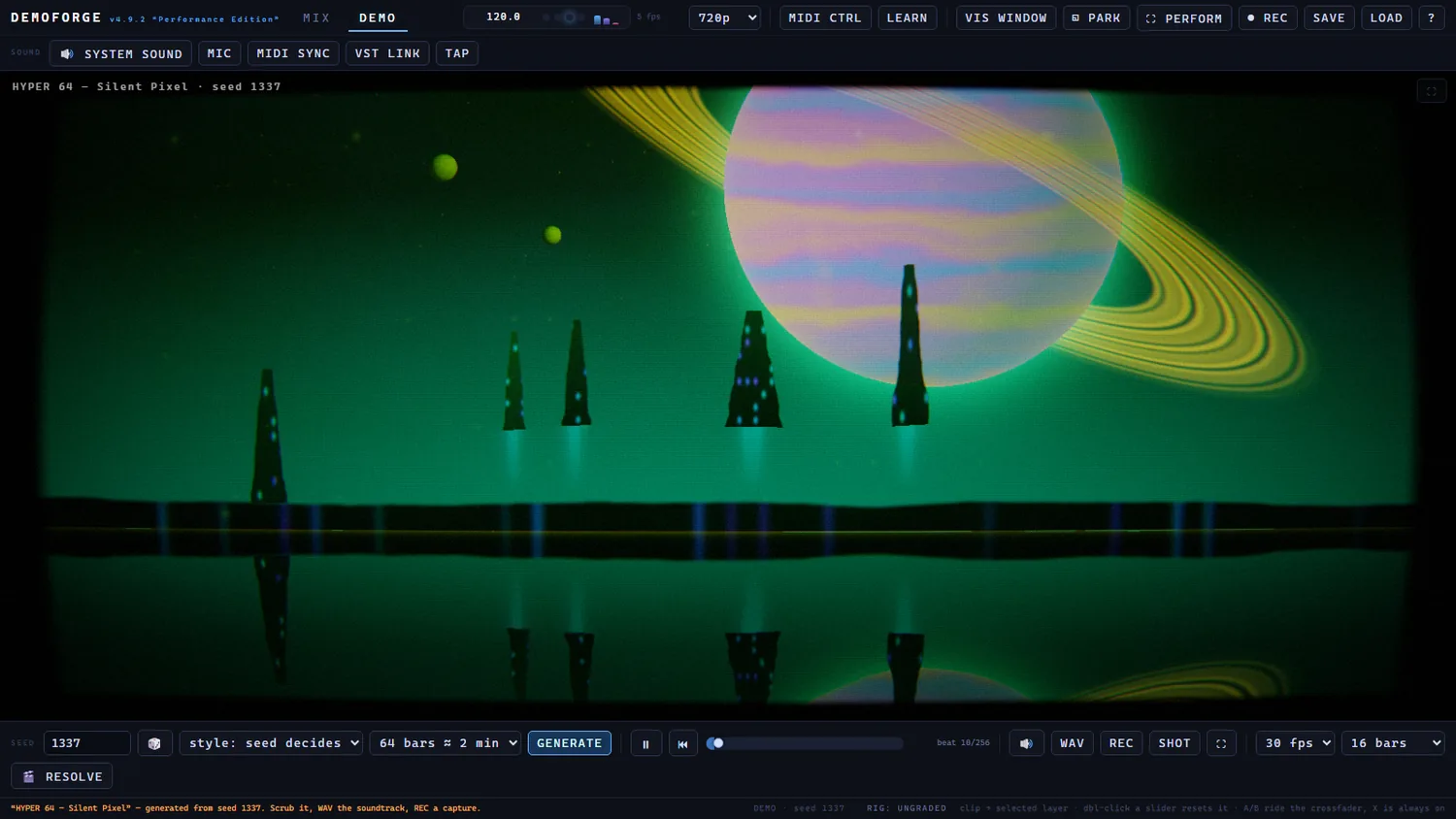
setup: it listens to what your PC is already playing
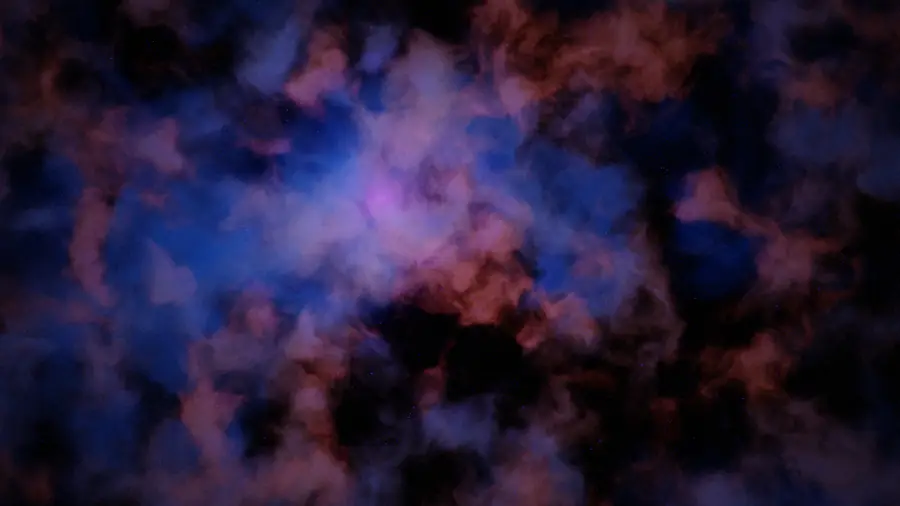
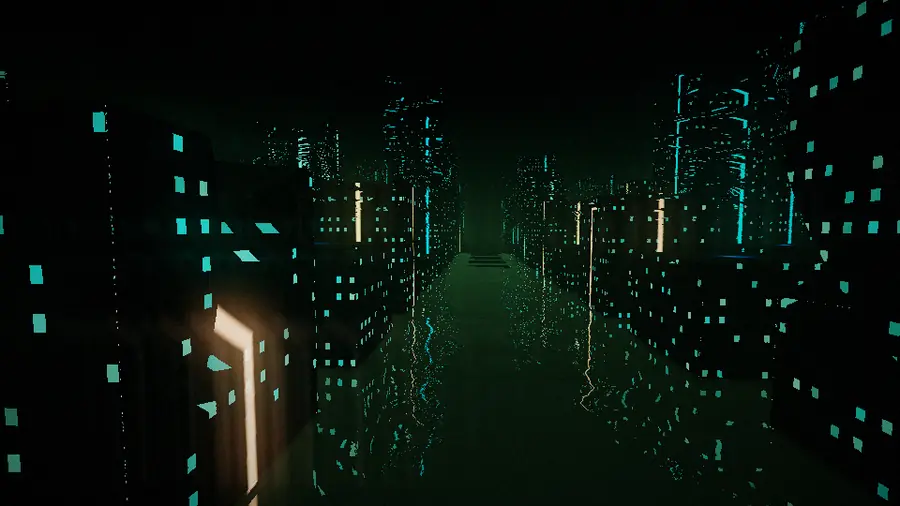
scene effects, 168 presets
on any screen you point it at, at the refresh rate it runs
outputs for streaming: Spout and NDI
Press play. That is the setup.
DemoForge listens to your computer's sound output, so Spotify, Apple Music, YouTube, Tidal, SoundCloud, a DJ app or a game all work the moment they make sound. It does not log in to anything, does not touch your Spotify account, and keeps working when a service changes its rules. A microphone or line input works too, for a room with its own sound system.
Built for the room, not the booth
Pick a display and it goes full-screen there: the TV at a house party, the second monitor on your desk, a projector on the wall. Type a number and DEMO writes a complete production around it, title, palette and scene plan, and performs it; a different number is a different night. Leave it running and it keeps changing. Beat tracking is ground-truth tested at 87, 128, 140 and 174 BPM, which covers most of what people actually play.
For your stream
One click sends the picture to OBS as a Spout source, or to anything on the network as the NDI source "DemoForge". Both can be on together and both follow the quality setting up to 4K, so the same visuals behind your webcam are the ones on the TV. NDI uses Vizrt's free NDI Runtime; if it is missing, the button says so and opens the download.
If you want to drive
MIX turns the same engine into a four-layer desk with a crossfader and 168 presets filed under fourteen families, for the nights you want to play the visuals by hand. A DaVinci Resolve colour pack ships with it for grading recordings; that part needs Resolve Studio.
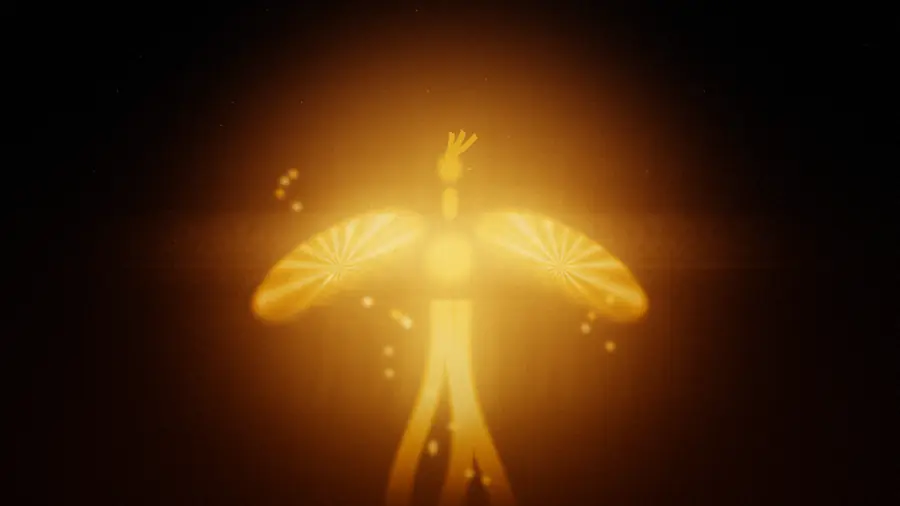
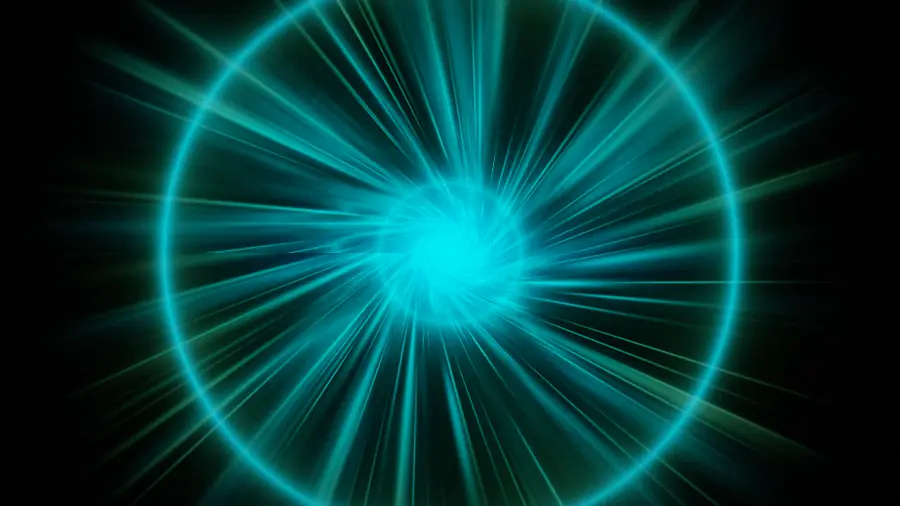
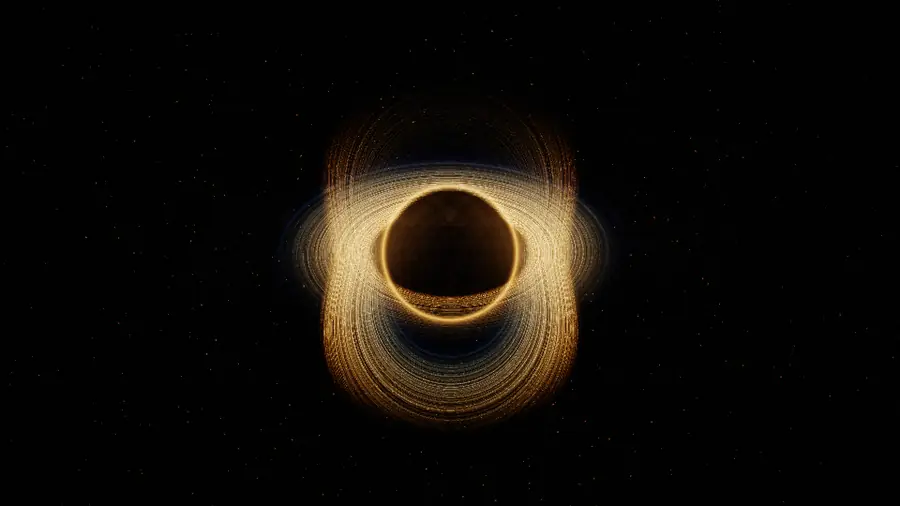
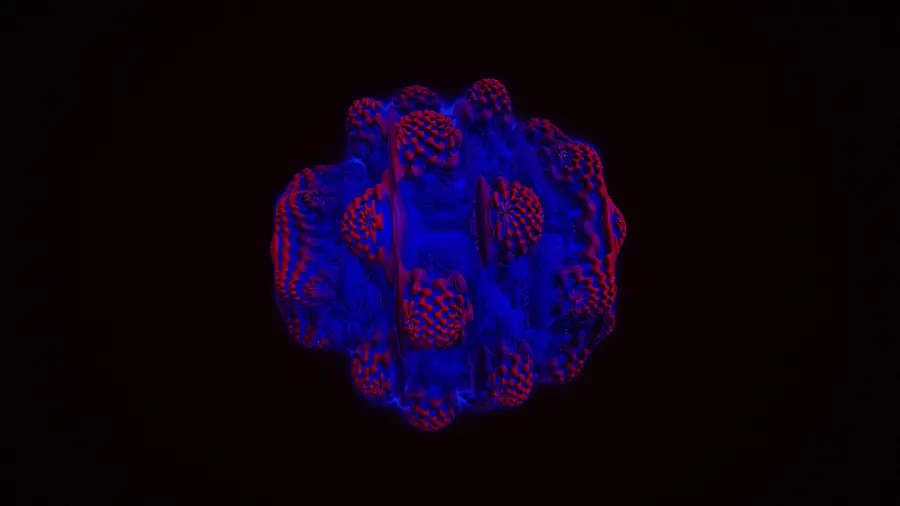
Scene effects
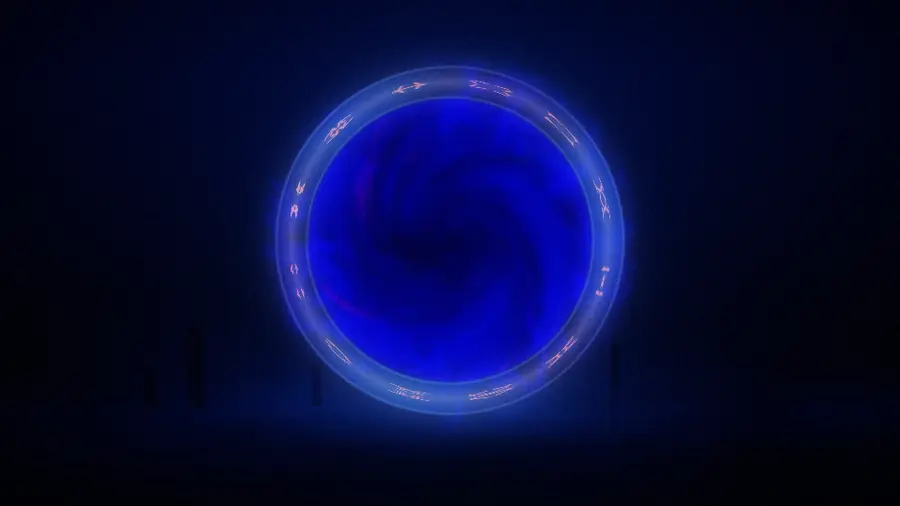
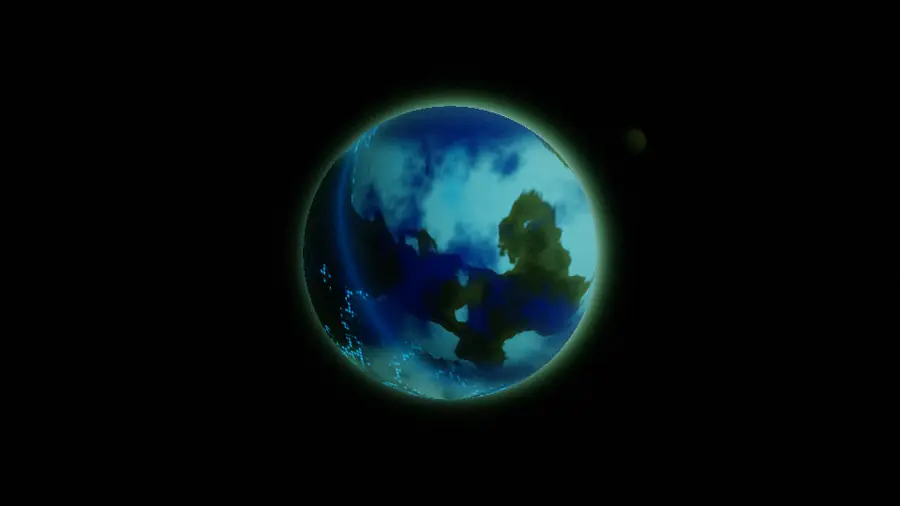
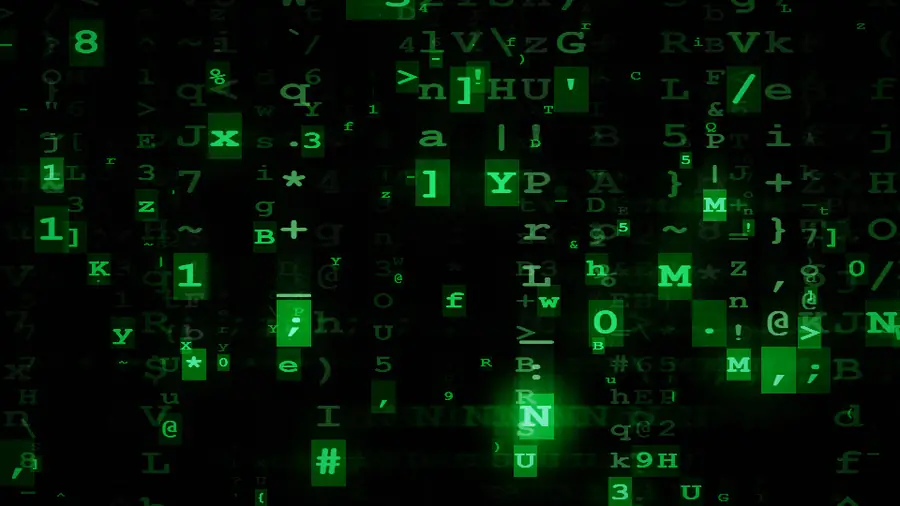
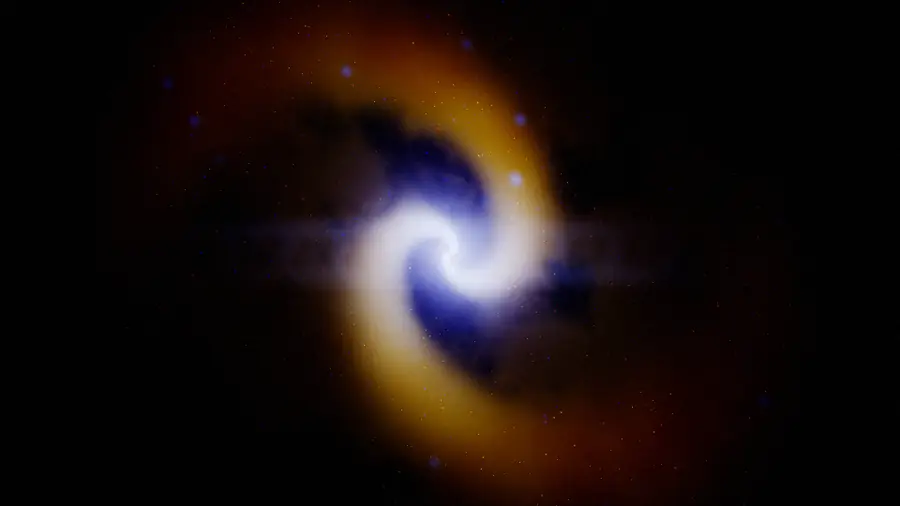
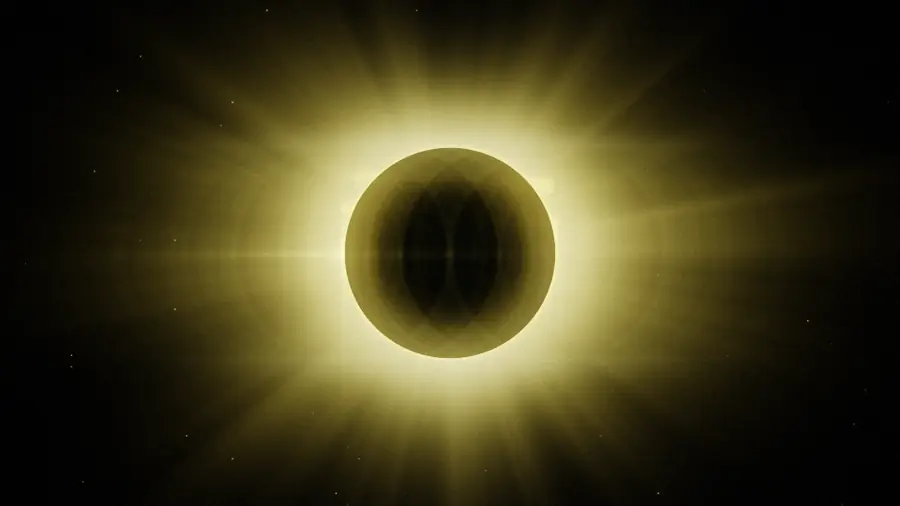
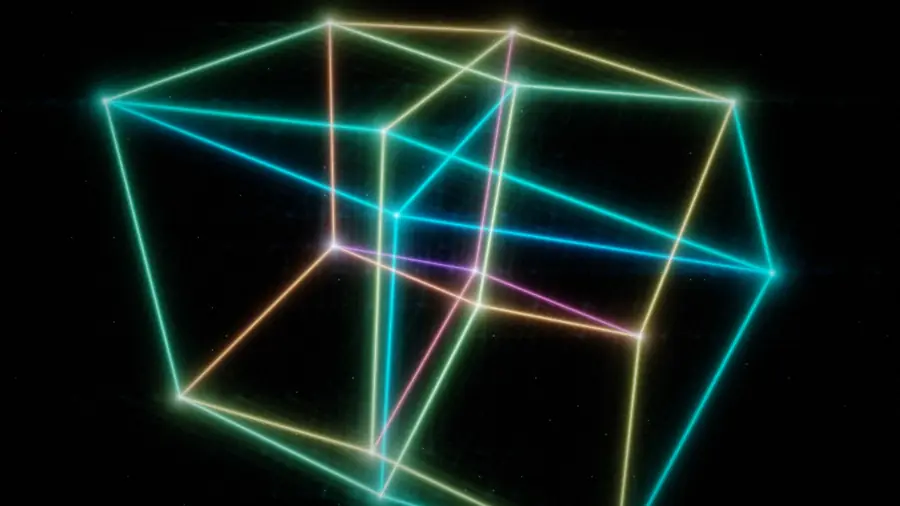
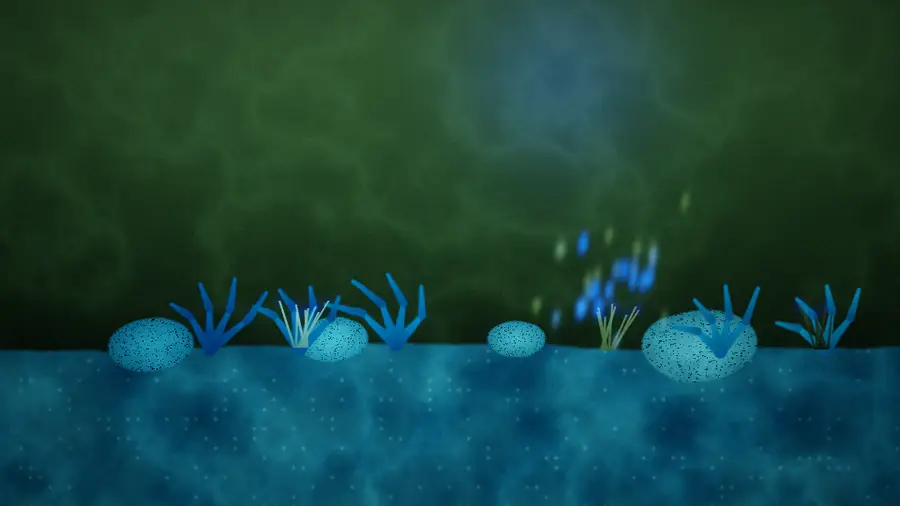
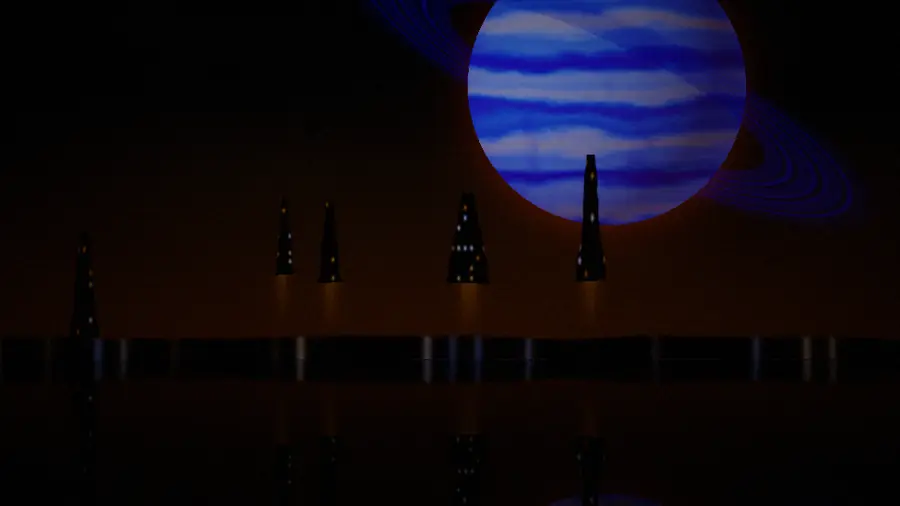
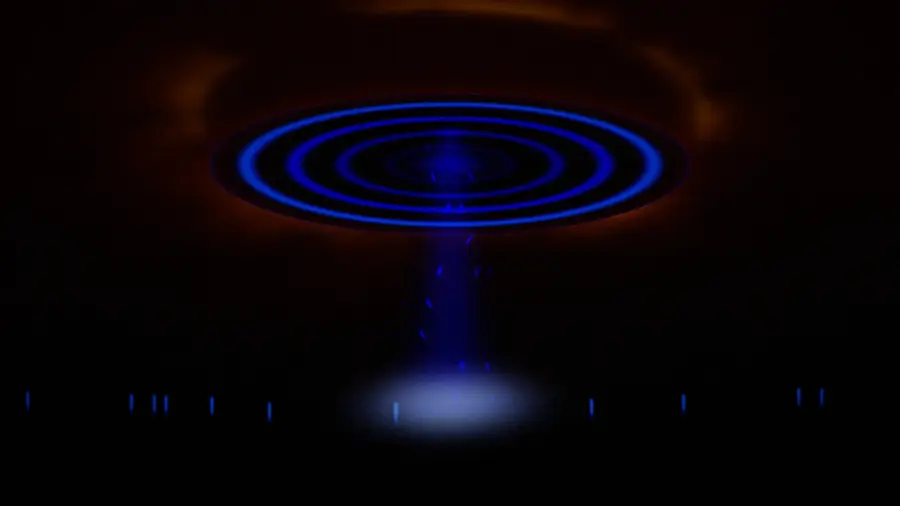
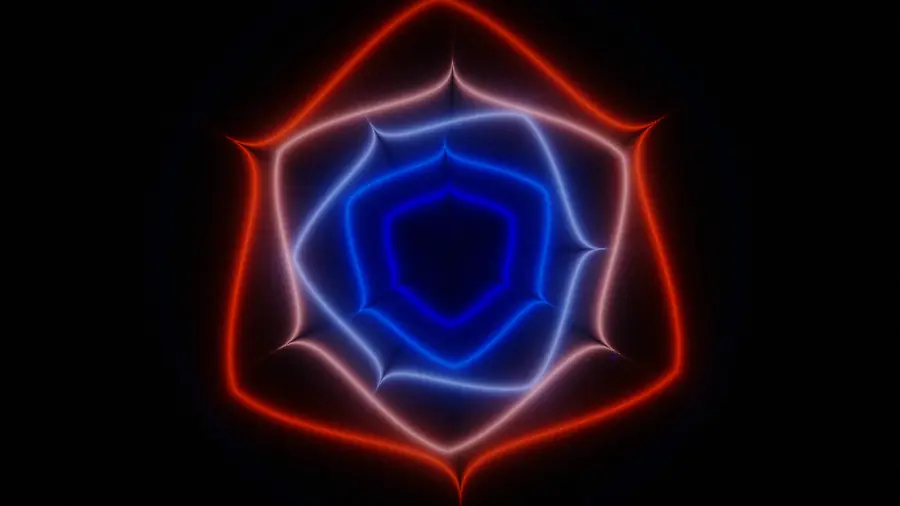
Twenty of seventy-seven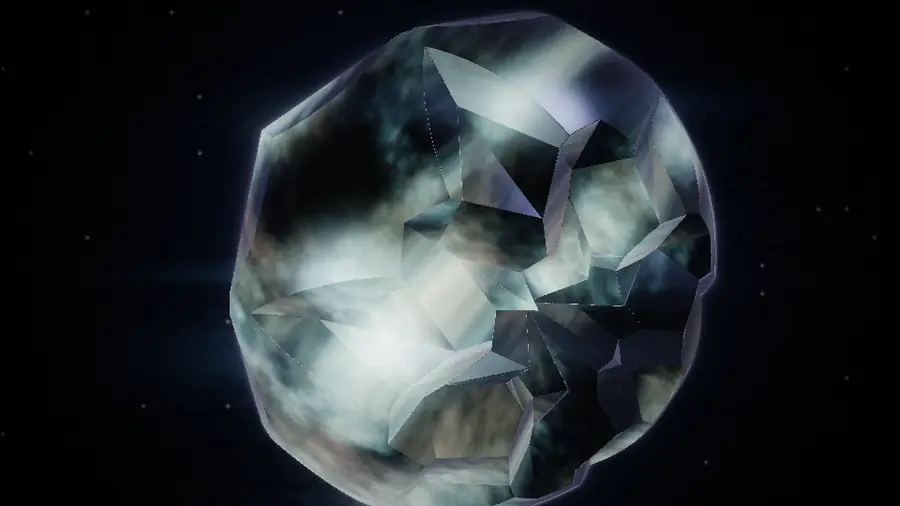



Specifications
DemoForge · Ready| Kind | Native Windows application |
|---|---|
| Listens to | Your computer's sound output (any player or app), a microphone or line input, MIDI clock, or a companion VST3 bridge in a DAW |
| DEMO | Seed to production: title, palette, scene plan, performed live |
| MIX | Four-layer desk with crossfader |
| Scene effects | 77 in 14 families |
| Presets | 168 |
| Beat tracking | Tested at 87, 128, 140 and 174 BPM |
| Picture | Full-screen on any display, up to 4K |
| Outputs | Spout; NDI (free NDI Runtime required) |
| Colour pack | DaVinci Resolve DCTL (needs Resolve Studio) |
| Version | 5.8.0 |
| Platform | Windows 10 or 11, x64. macOS build (Syphon + NDI) in testing |
| Price | $49 · launch price $35 |
Questions
Does it work with Spotify?
Yes, and with everything else: it listens to your computer's sound output, so Spotify, Apple Music, YouTube, Tidal, a DJ app or a DAW all drive it. It never connects to your Spotify account and does not need one, which also means Spotify cannot switch it off.
Does it show the song title?
Not yet. A now-playing line (title, artist, artwork) that reads from Windows itself rather than from any one service is the next thing on the list.
Can I put it on the TV?
Yes. Pick the display in the app and it goes full-screen there; the desk stays on your main screen. An HDMI cable or a wireless display both work; a projector is just another display.
Does it output Spout or NDI?
Both. Spout to OBS or any receiver on the same Windows machine, NDI to any receiver on the machine or the network, together if you want. NDI needs Vizrt's free NDI Runtime installed; the button opens the download if it is missing.
Is there a Mac version?
One is built, with Syphon in place of Spout and the same NDI output, and it is being verified on Apple silicon and Intel. It ships when it passes, and a Windows licence will cover it.
Can I record what it makes?
Capture the window or the Spout source with OBS. The Resolve colour pack is there for grading those recordings.
Is there a demo?
The installer is the demo: everything runs with no time limit, with a small DEMOFORGE DEMO mark in the corner of the picture and on the outputs, and recording, export and preset saving switched off. A licence key removes all of that.
How many computers?
Three, licensed to you rather than a machine. Activation happens once; nothing needs the internet afterwards.
What if it is not for me?
Email within 14 days of purchase and the full price comes back, no questions asked. The refund policy has the two steps.
The other instruments
All five synthesizers for $249One email when the store opens.
Leave an address and you get the opening email, the launch price, and the free Discovery Pack: sixteen K5000 one-shots rendered from Spektra-5000, 24-bit WAV.
No sequence, no sharing, one-click unsubscribe. Privacy.